Crafting a haptic design system

2025 Design systems UX design lead

Context

Logitech’s first haptic design system: 21 waveforms, shipped in three products, kept on by over 99% of users, and the foundation for native haptics in Windows 11.

Role and responsibilities

I established Logitech's first foundational haptic language from scratch, building a unified tactile experience from the ground up. This role required serving as the central link between mechatronics, embedded software engineering, and external developer platforms, translating complex hardware mechanics into a scalable, intuitive sensory system across the entire product ecosystem.

End usersUX DesignLeadSoftwareProductManagerSoftwareEngineerMechatronicsEngineerEmbeddedSoftwareEngineerEmbeddedSoftwareArchitect
Design principles

The system is anchored by three strict UX pillars, which were used as KPIs to track the quality of the work throughout the project.

Soft white ripples on a smooth surface
DiscretionEnsuring transient, localised signals with zero accidental acoustic noise.
A glowing alert icon on a dark blue screen
MeaningMaintaining a sub-50ms latency rule so tactile feedback explicitly reinforces visual cues.
EngagementUsing specific waveforms to inject emotional character without disrupting the user's focus or flow state. Today, more than 99% of users keep haptic feedback on.

Design

Design process

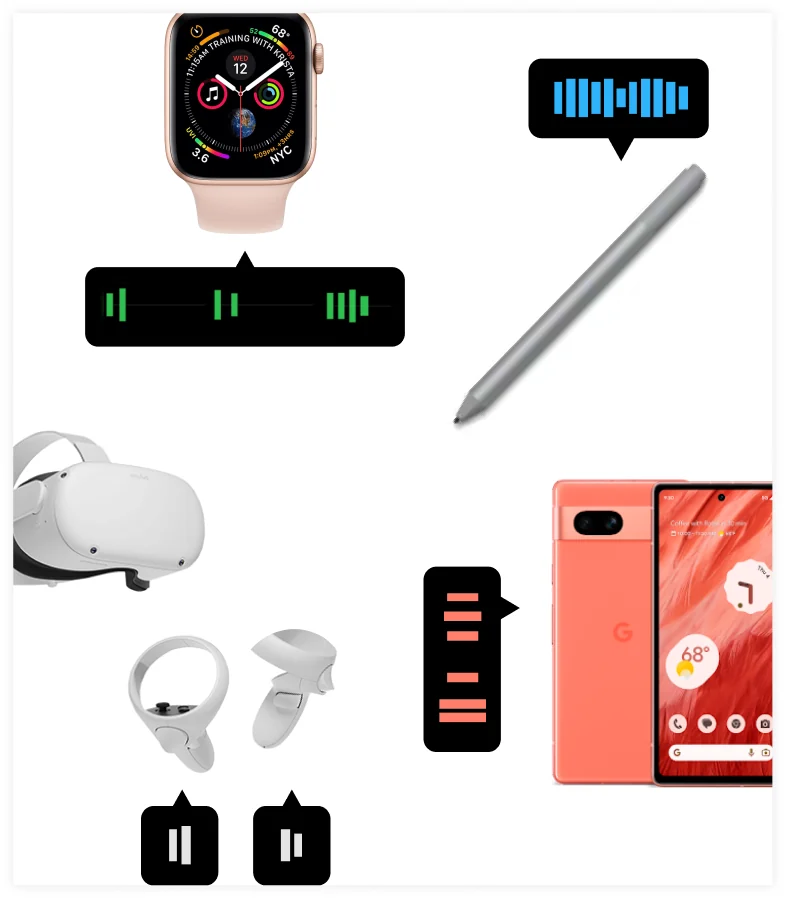
Benchmark of haptics in a smartwatch, stylus, VR headset and controllers, and a phone
FrameI started by collecting and structuring foundational knowledge on haptic design, synthesising guidelines from existing products and creating a first taxonomy of all haptic use cases.
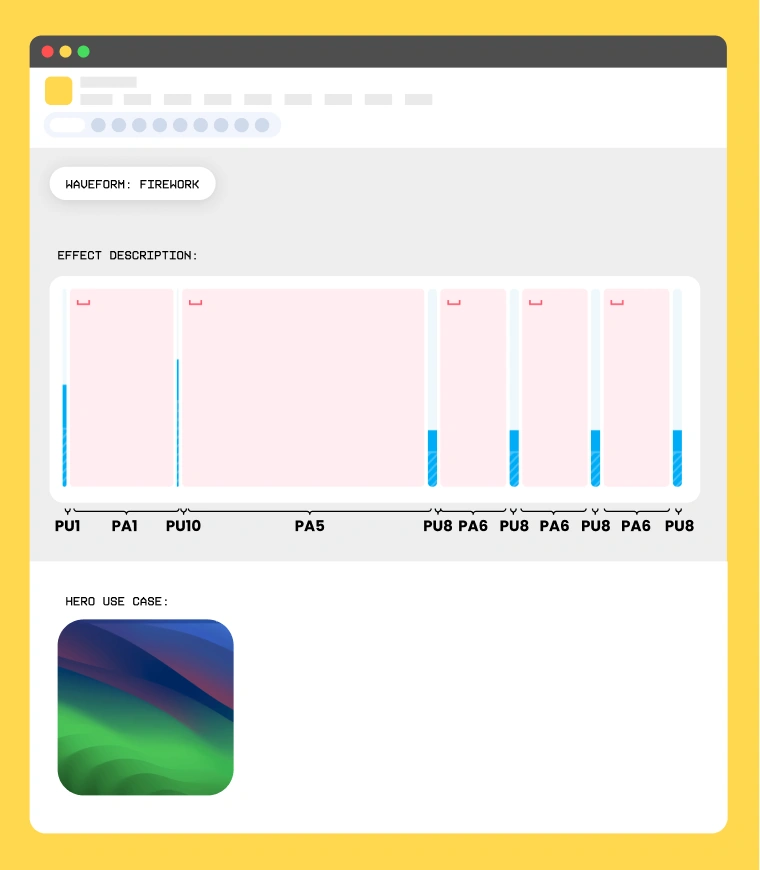
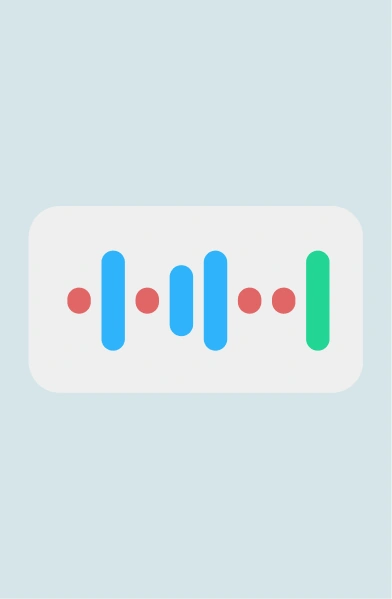
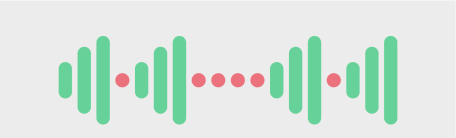
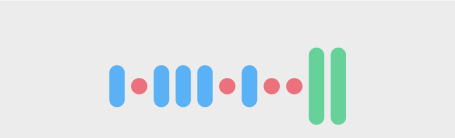
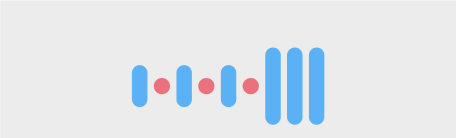
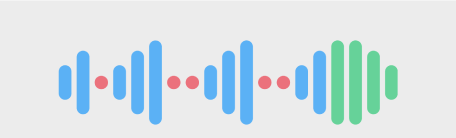
Specification of the Firework waveform: its sequence of pulses and pauses and its hero use case
PrototypeThe work then became more hands-on, prototyping along with colleagues from mechatronics and defining an architecture for the embedded software of all our Logitech devices.
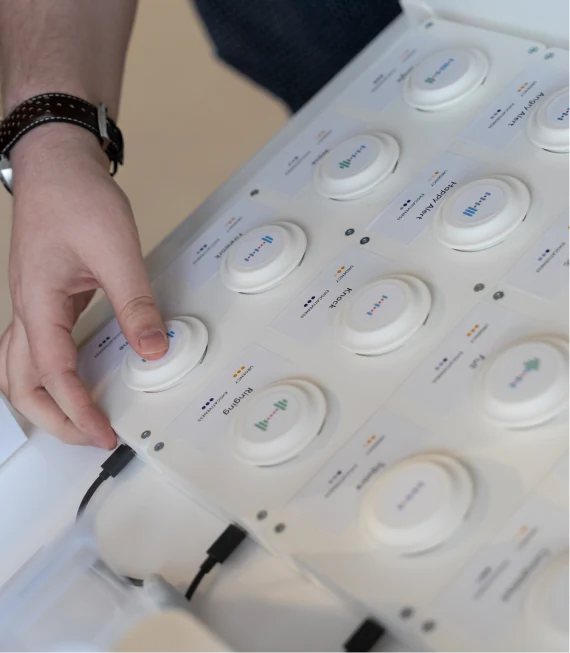
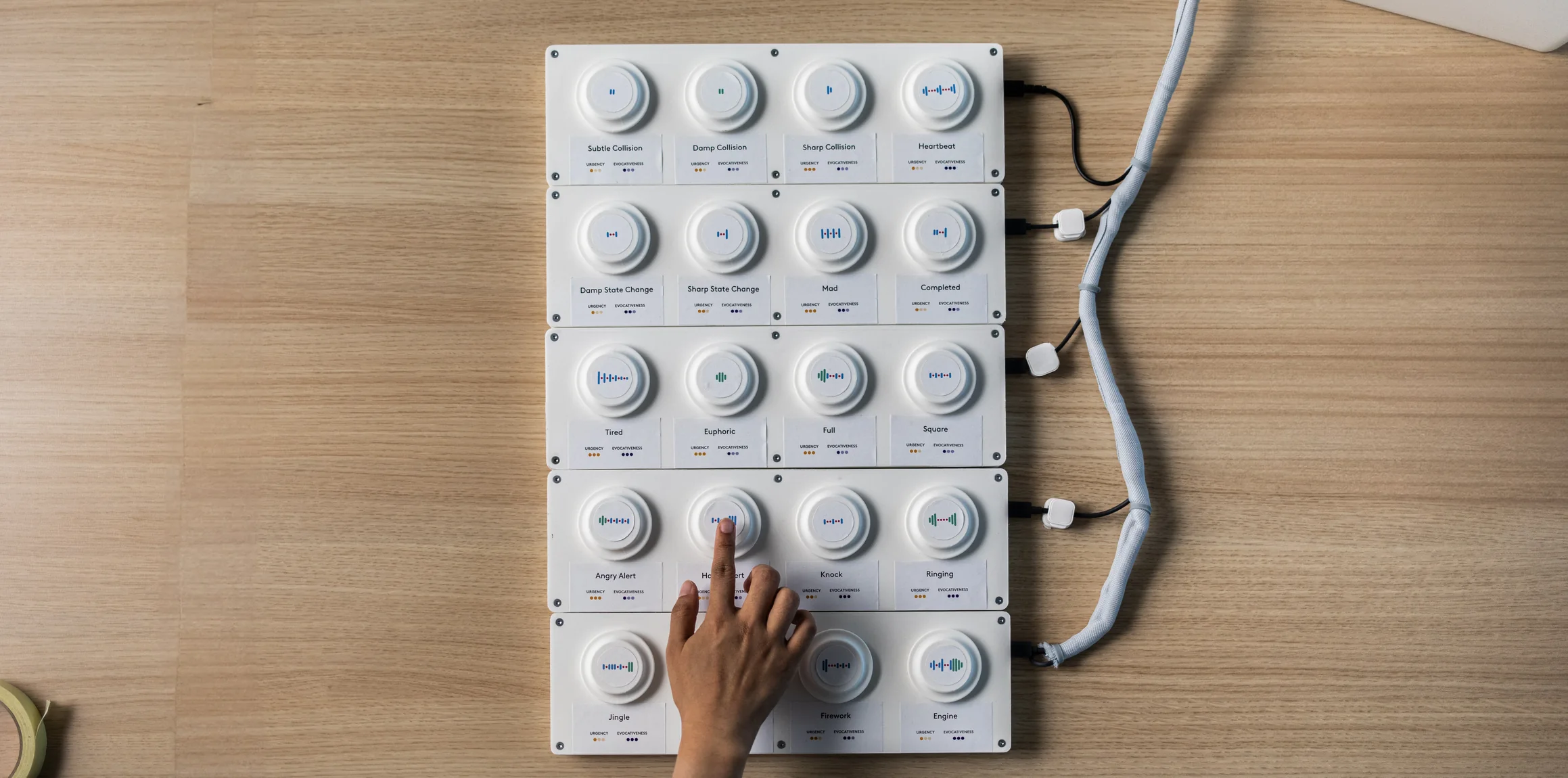
A hand pressing buttons on the haptic test board
TestI iterated with end users at different stages of the design process, ensuring that I was designing a haptic language that was universal and flexible enough for a broad variety of use cases.

Designing an atomic system for touch

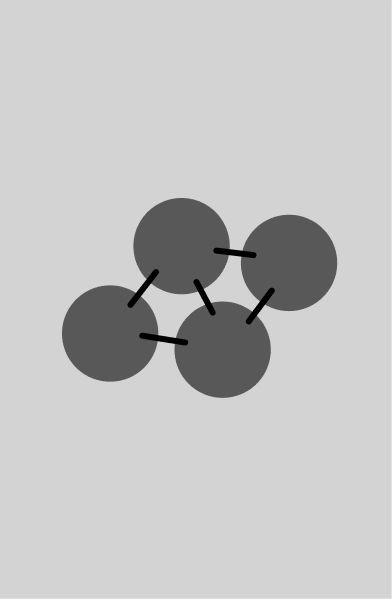
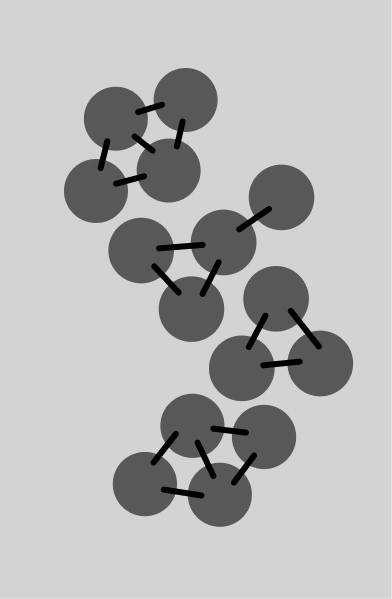
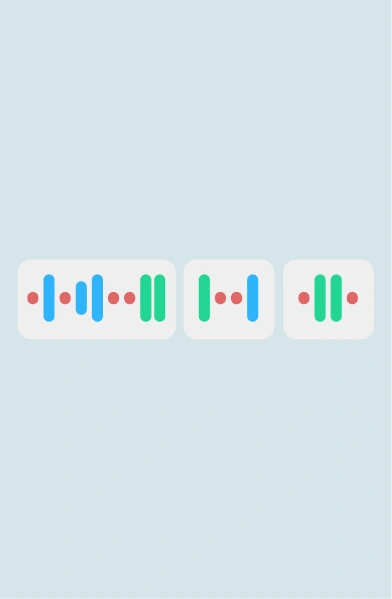
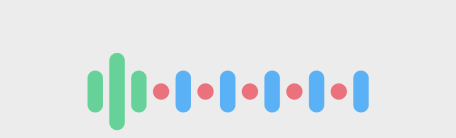
To scale haptics predictably across different hardware devices, I adapted an Atomic Design framework into a tactile language, categorising sensations into individual Atoms (pulses, vibrations), Molecules (complex waveforms like sharp collisions), and Organisms (continuous sequences).
This approach allowed us to maximise expression while running within the limitations of a Texas Instruments DRV2624 haptic driver. The driver can’t play certain effects back to back, like a vibration followed by a sharp pulse, so I tuned every waveform to avoid those successions.

Atoms: a single grey circle Effects: single pulses and taps
Atoms
Molecules: four circles linked together Waveforms: pulses combined into one waveform
Molecules
Organisms: linked groups of circles forming a chain Series: waveforms chained one after another
Organisms

Atomic design frameworkMapping tactile components from discrete pulses to continuous sequences.

Augmenting all sorts of digital interactions

Haptic feedback can enhance several digital experiences. I brainstormed possible experiences directly with end users, eventually coming to four main categories of haptic events:

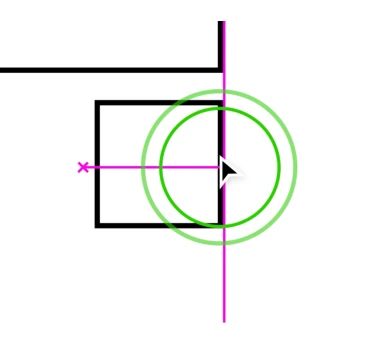
A shape snapping to an alignment guide
Precision enhancersMimic the physical interaction between digital elements
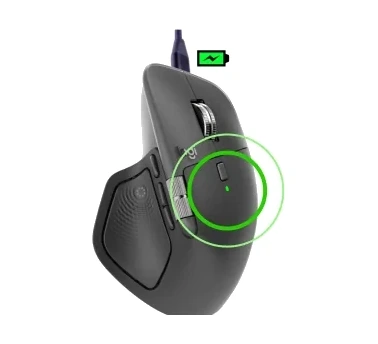
The mouse showing a full battery
Device indicatorsGrab and direct attention toward something happening to your device
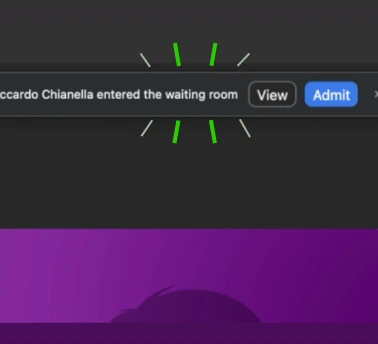
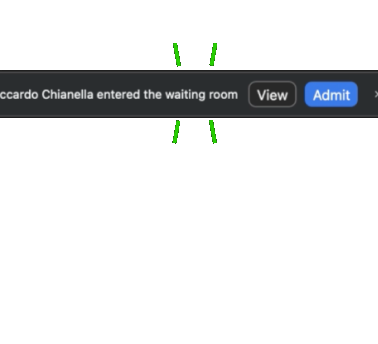
A video call waiting-room notification
Incoming eventsDraw attention to an event that requires action
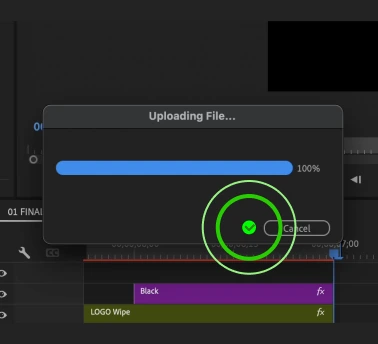
A file upload progress bar
Progress indicatorsGently inform about a starting, ending or advancing process

Main use cases for haptic feedbackEach haptic event is designed to complement a specific cue. The cue can come from directly manipulating an object, from a state change in the device, from a notification users want to pay attention to, or from a process advancing.

Waveform library

  • Whisper collision
  • Subtle collision
  • Damp collision
  • Sharp collision
  • Sharp state change
  • Damp state change
  • Completed
  • Knock
  • Mad
  • Tired
  • Euphoric
  • Breathing
  • Full
  • Wave
  • Firework
  • Angry alert
  • Square
  • Ringing
  • Jingle
  • Happy alert
  • Engine
Waveform library21 waveforms designed for all Logitech devices to augment as many digital interactions as possible. Hover the ▶ waveforms to see them in context.

Testing

User testing

I tested around 30 waveforms with 20 mouse users. Some were deleted for redundancy, some were merged, and new ones were added after testing the first prototypes with the apps, ending with 21. Later in development, a quantitative test with 120 people validated the use cases with the MVP plugins just before launch.

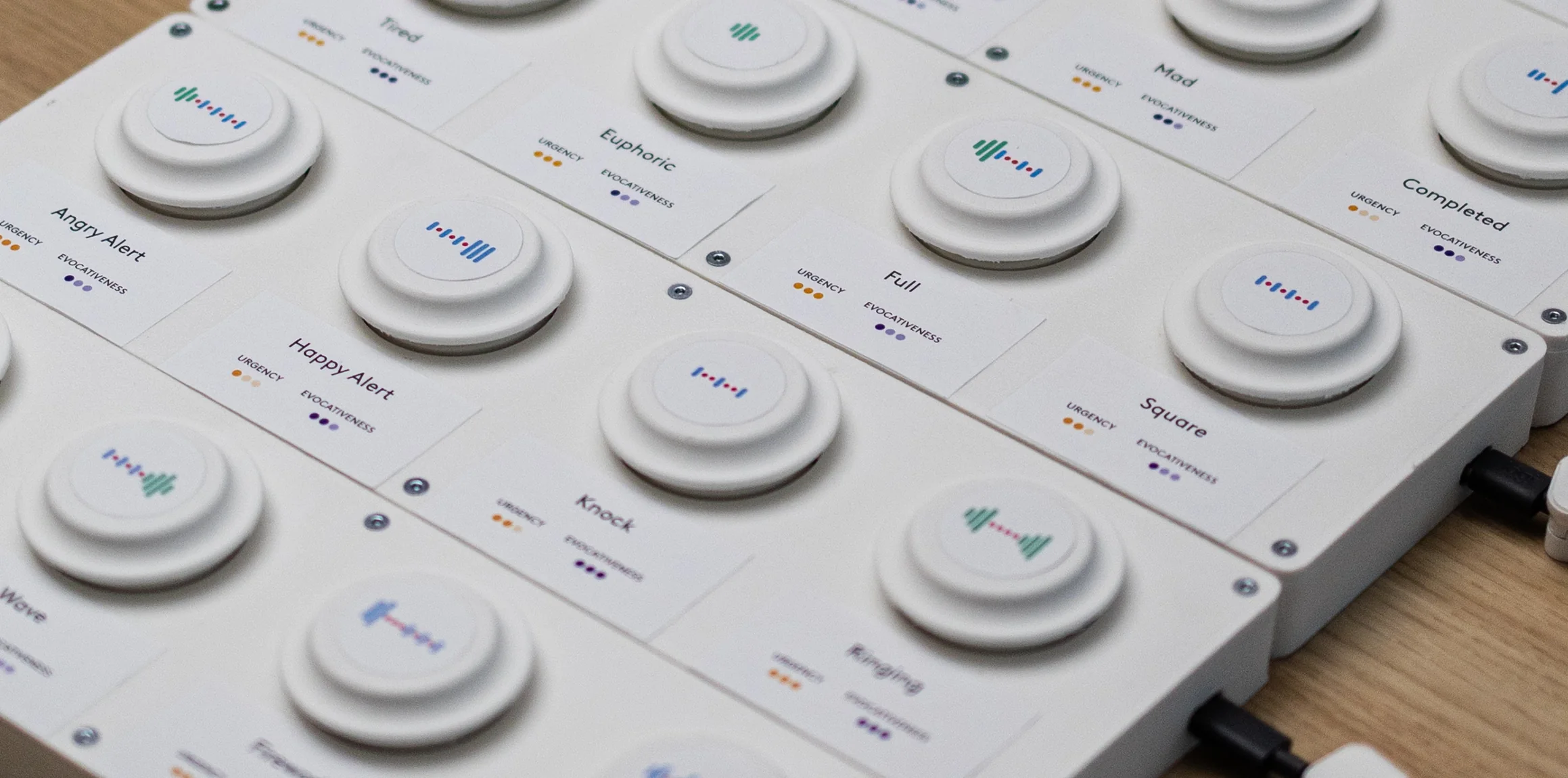
Designing a haptic piano for user testingGiven the challenge of discussing vibrations, I built this tool to ease conversations around each waveform, letting users describe how each one felt and what it reminded them of.

Top view of the haptic piano: a board of 20 buttons, each labelled with a waveform Close-up of the piano buttons, each card rating the waveform's urgency and evocativeness
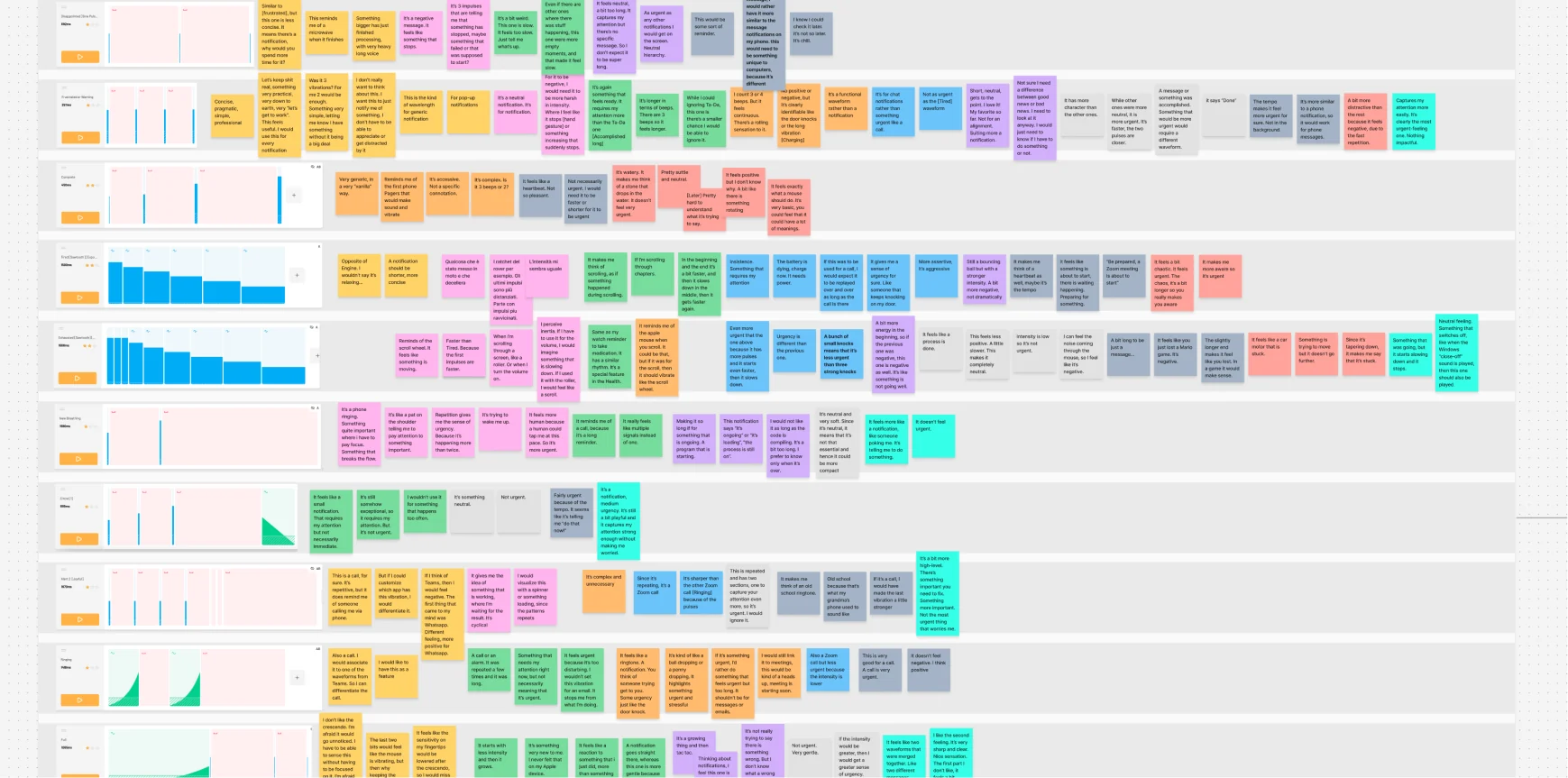
A board of colour-coded sticky notes with what users said about each waveform
User testing notesHow do users feel about each haptic waveform?
  • Mad
  • Knock
  • Full
  • Wave
  • Square
  • Heartbeat
  • Happy alert
  • Angry alert
  • Ringing
  • Jingle
  • Engine
  • Tired
  • Completed
  • Firework
  • Euphoric
  • Sharp state change
  • Damp state change
  • Sharp collision
  • Damp collision
  • Subtle collision
  • Whisper collision
Precision enhancers
Mimic the physical interaction between digital elements
Device indicators
Grab and direct attention toward something happening to your device
Incoming events
Draw attention to an event that requires action
Progress indicators
Gently inform about a starting, ending or advancing process
Testing the waveform library’s exhaustivenessTo ensure versatility, waveforms can be more evocative or generic, and they can feel more urgent or more gentle. Duplicates of waveforms with attributes perceived as too similar were therefore eliminated. New waveforms were also designed to fill out gaps in the matrix. Going from around 30 to 21 meant giving up some nuance in exchange for a library where every waveform feels clearly different, so users can learn what each one means.

Impact

Haptic devices on the market

Haptic feedback was introduced by Logitech as a core feature with the following devices. They all follow the haptic design system I developed.

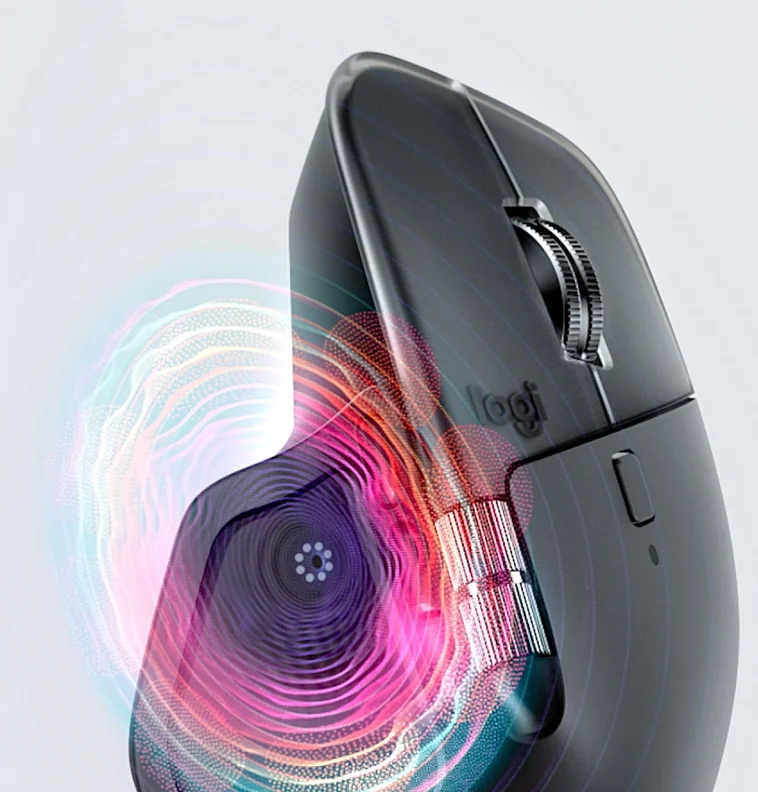
MX Master 4 with haptic ripples around its thumb area
MX Master 4The first haptic mouse built on my haptic design system.
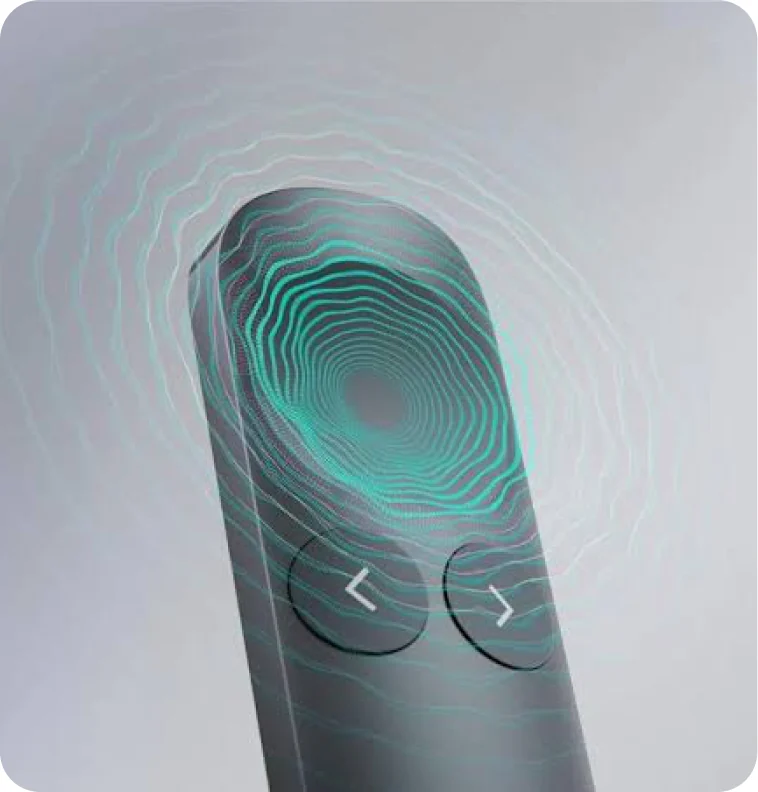
Spotlight 2 presentation remote with haptic ripples
Spotlight 2Proof the system works beyond the mouse: the same haptic language on a presentation remote.
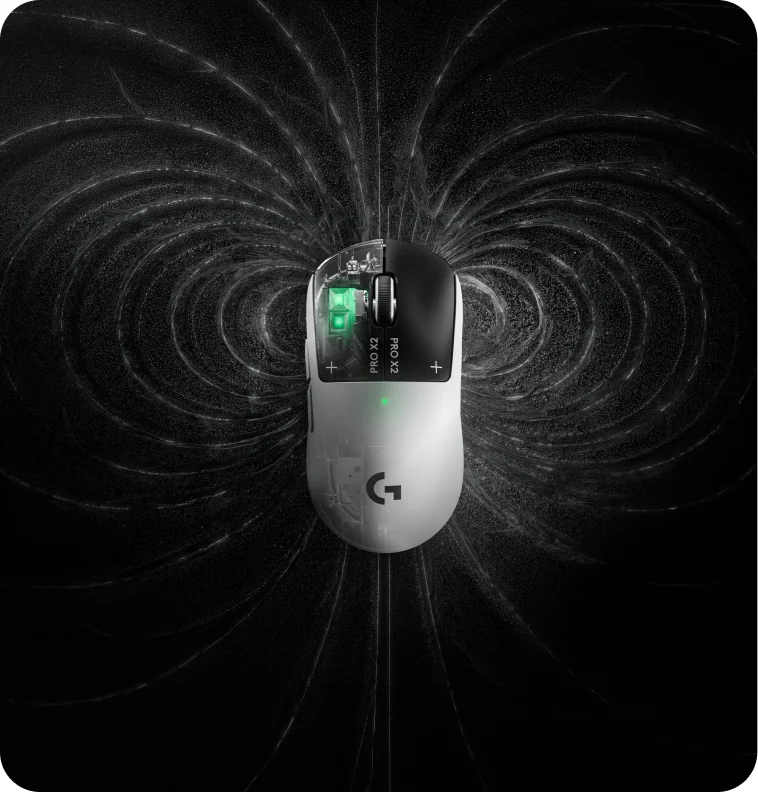
PRO X2 SUPERSTRIKE gaming mouse surrounded by field lines
PRO X2 SUPERSTRIKEBrings the click technology of the MX Master 4’s haptic button to the main click plates of a gaming mouse.

Partnerships and HID standardisation

I worked closely with external partners to implement recommended haptic events on third-party apps, and to build the foundation of a standardised haptics HID protocol working for all Windows users. With Microsoft, this made the MX Master 4 the first productivity mouse with native haptic feedback in Windows 11 (opens in a new tab).

Together with Adobe Photoshop’s engineering team, I studied what events should be haptified:
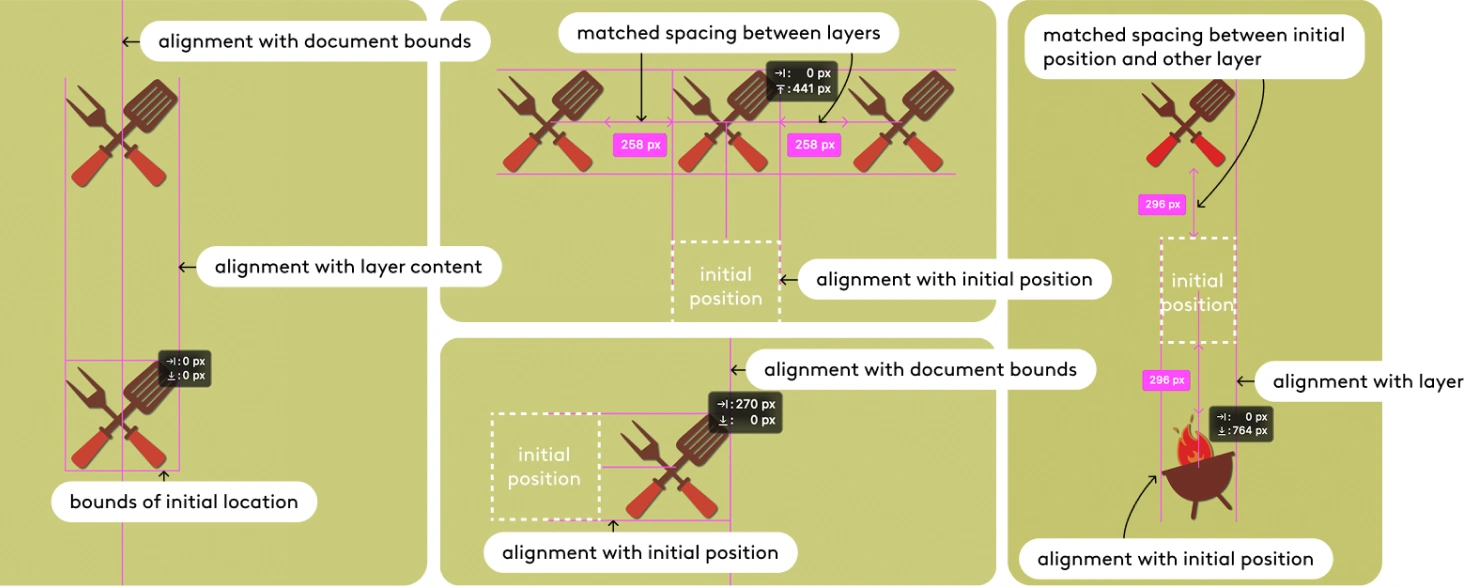
Photoshop smart-guide moments to haptify: alignment with document bounds, layer content, initial position, and matched spacing between layers

I followed the implementation:

Adobe Photoshop

Snippets of the design process I followed throughout our partnership with Adobe Photoshop. I followed a very similar process with the Premiere Pro and Lightroom teams.
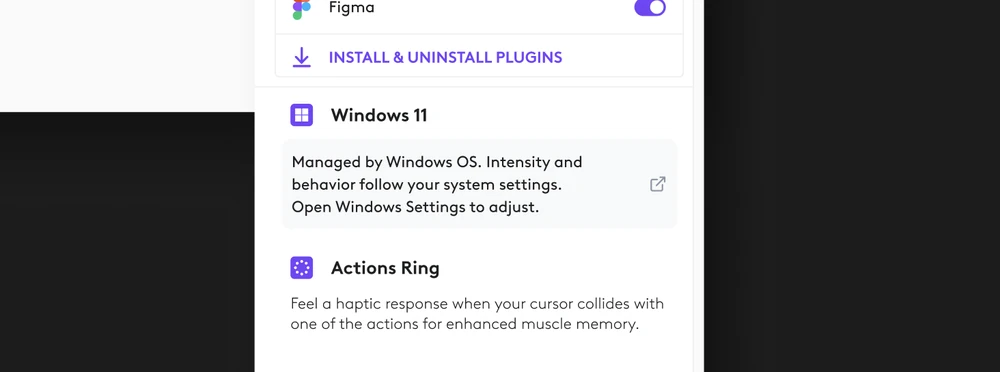
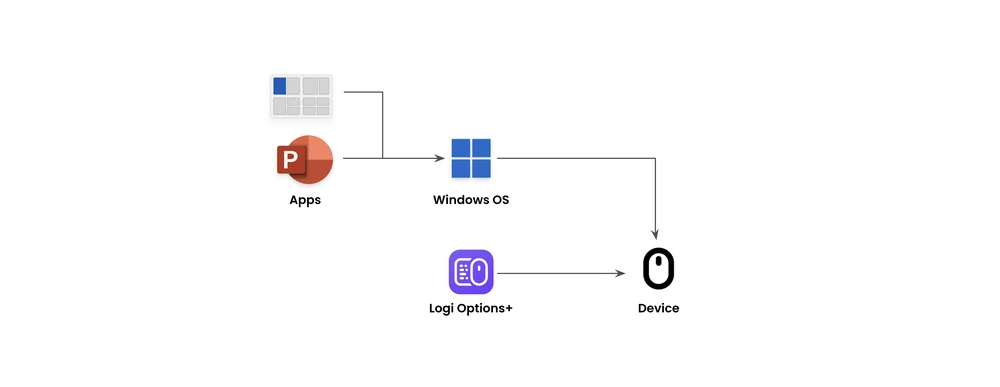
I worked with the Human Centered Design team at Microsoft to make the MX Master 4 the first productivity mouse to support native haptic feedback in Windows 11

  • Sliders
  • Drag & drop
  • Snap alignments
  • Snap assist (arrange windows)

Internally, I defined some of the technical requirements for software and embedded software engineers:

Excerpt of a technical requirements document Excerpt of a technical requirements table
Windows 11

Snippets of the design process I followed with the Human Centered Design team at Microsoft.

Public documentation

I collaborated with a copywriter, a software product manager and other UX designers to write several documents for assisting and educating external partners on our haptic design system.
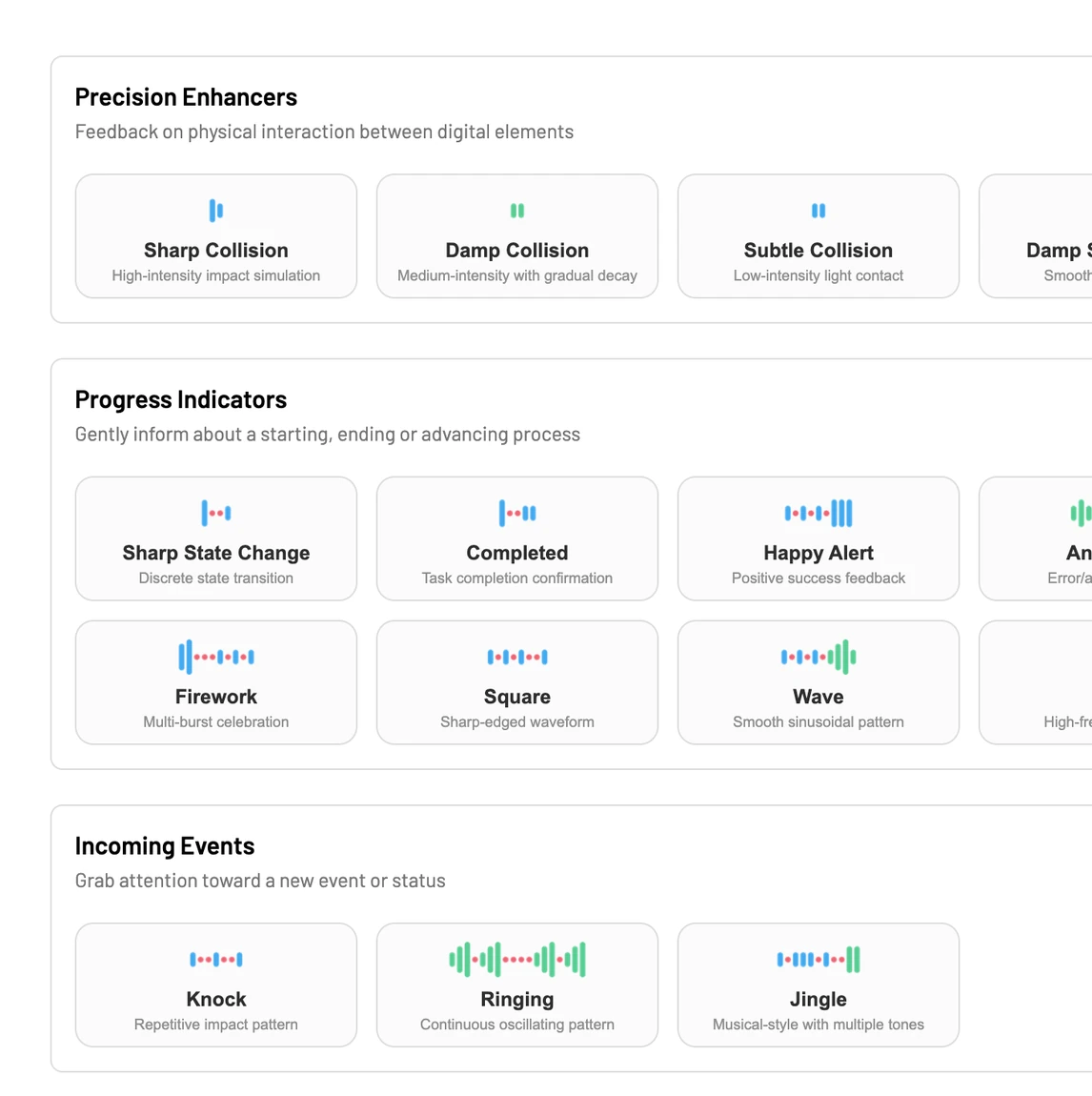
Public waveform library page, grouping waveforms by use case (opens in a new tab)
Waveform library (opens in a new tab)Got an MX Master 4 on your desk? You can then try all the publicly-available haptic waveforms yourself.
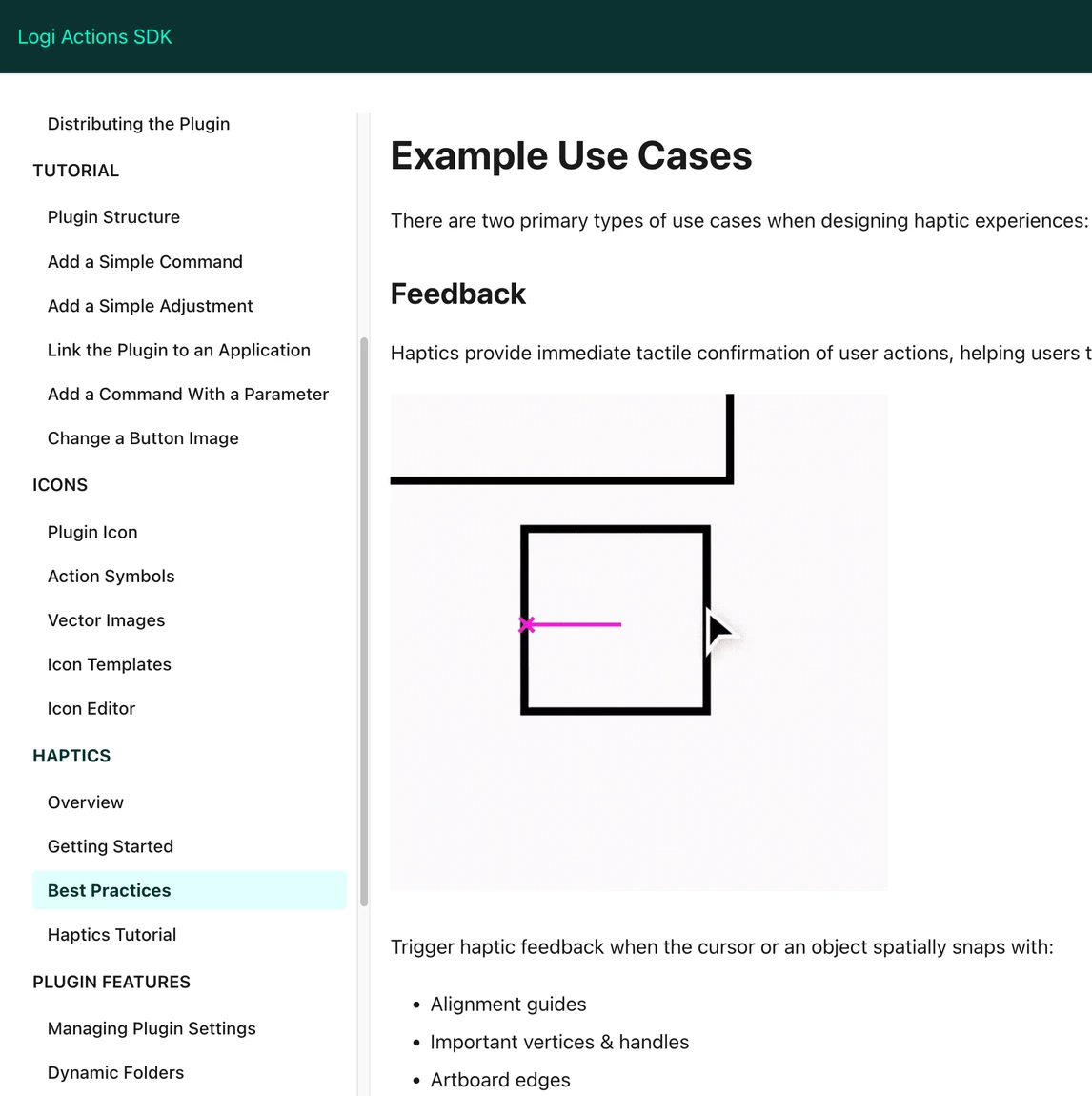
Logi Actions SDK documentation page on haptics best practices (opens in a new tab)
Haptics SDK (opens in a new tab)To support third-party app developers in implementing haptic events, a Logitech Haptics SDK was launched. I helped shape its UX guidelines.